If you're not connected to any network or you are experiencing a poor connection, you can manually select a network.
Open Settings and go to Mobile Service.
Tap your eSIM.
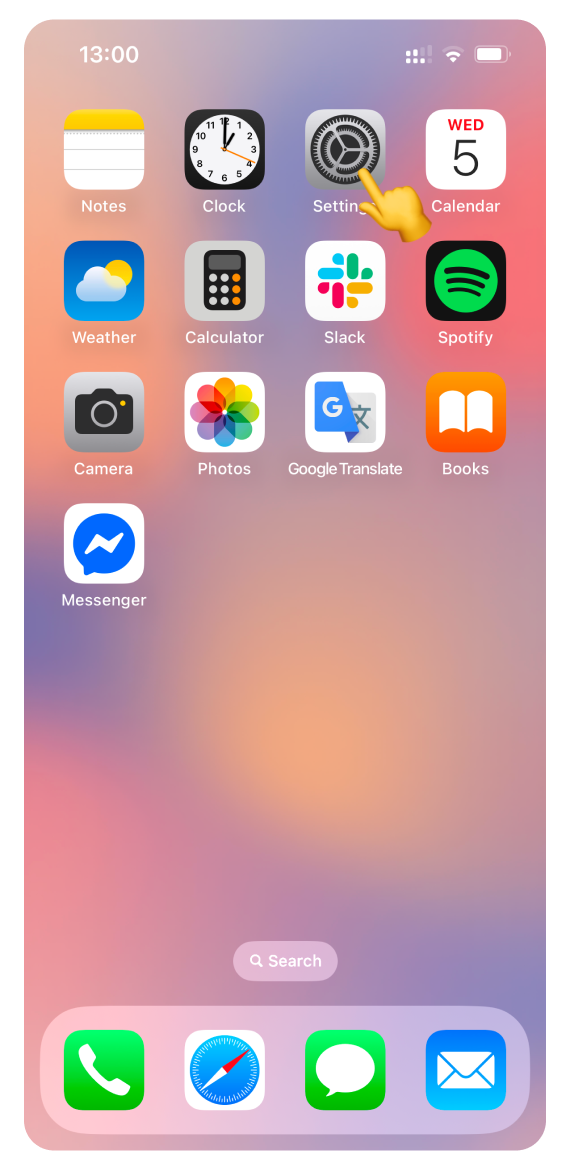
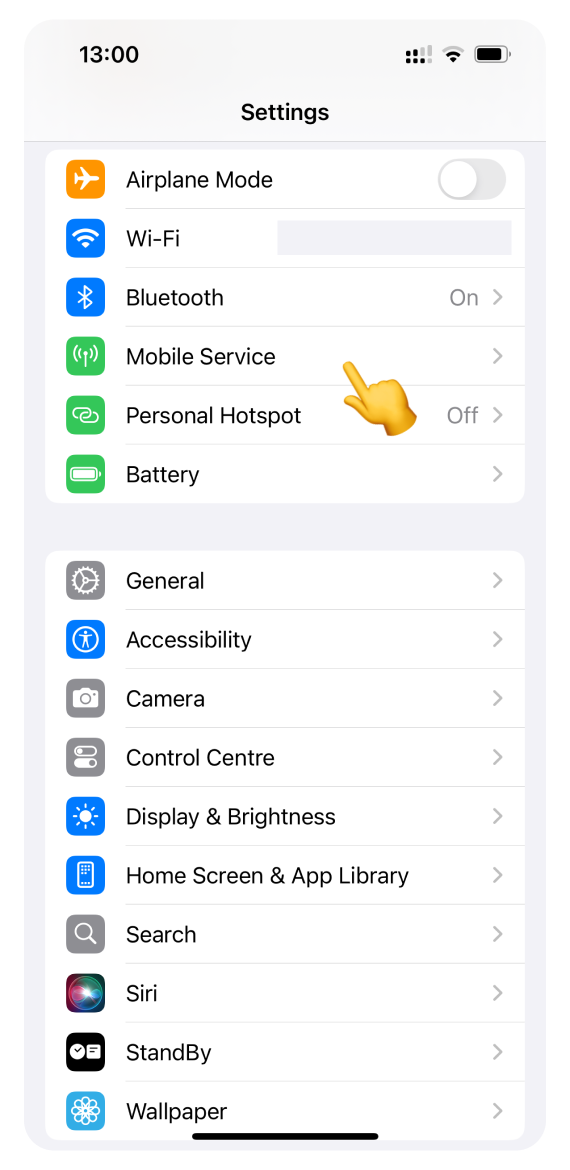
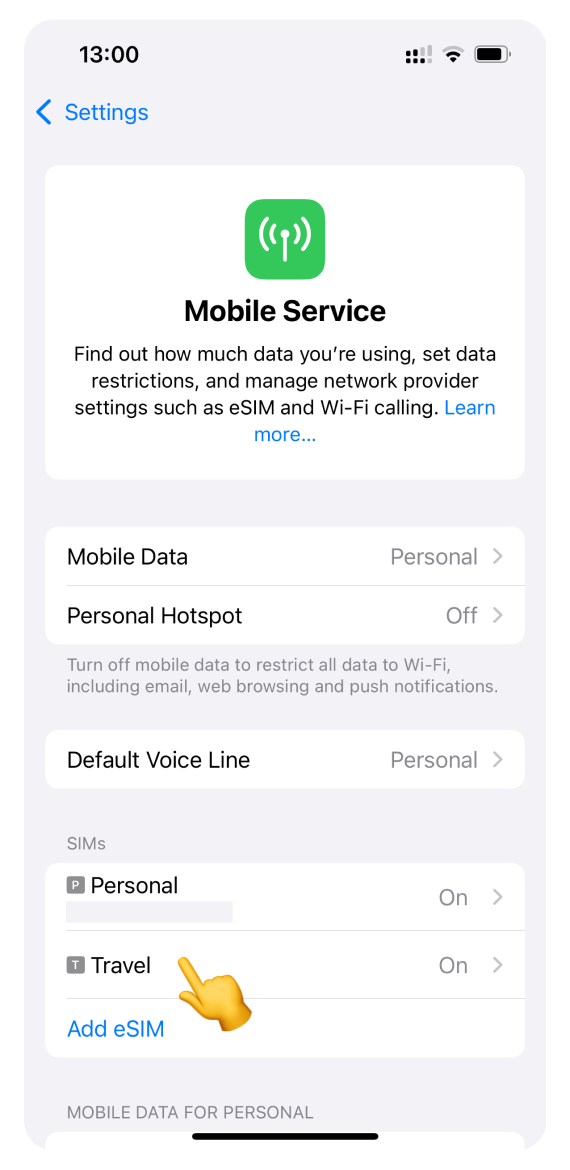
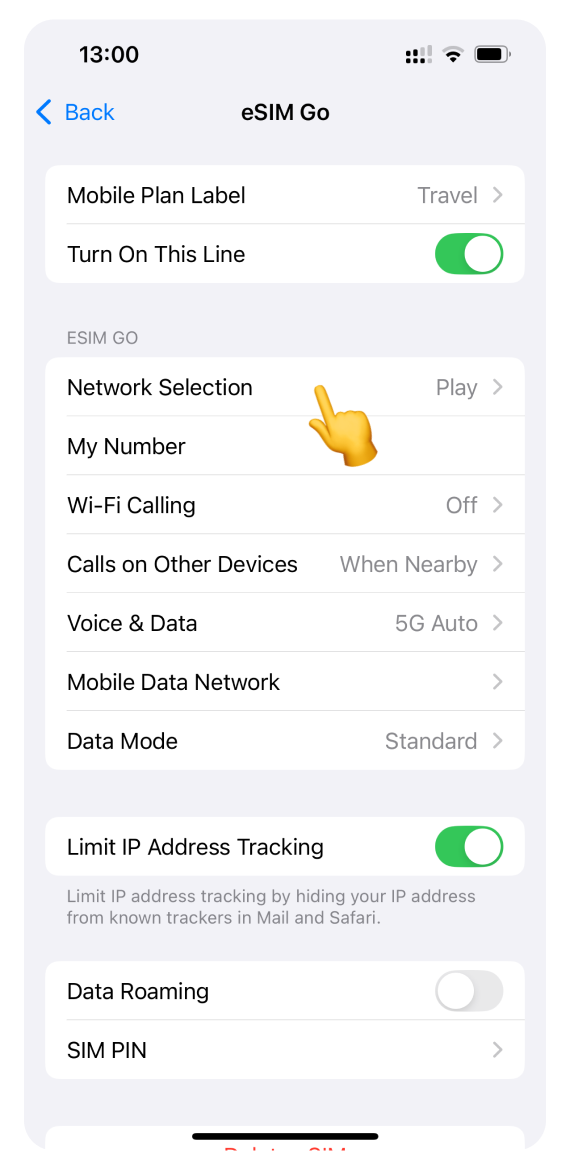
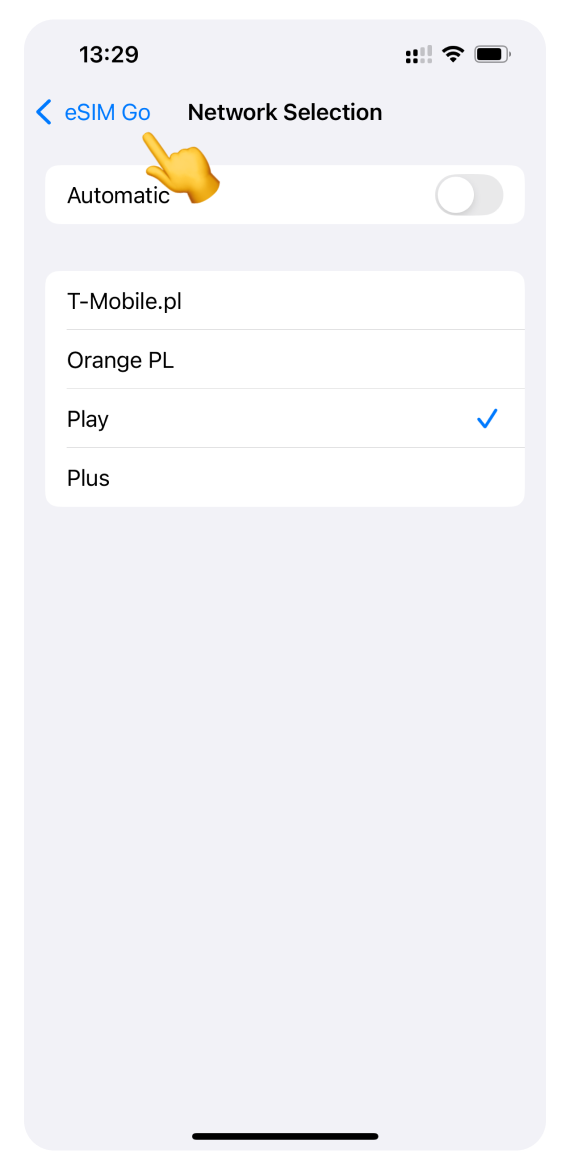
Open Network Selection.
Turn off Automatic selection.
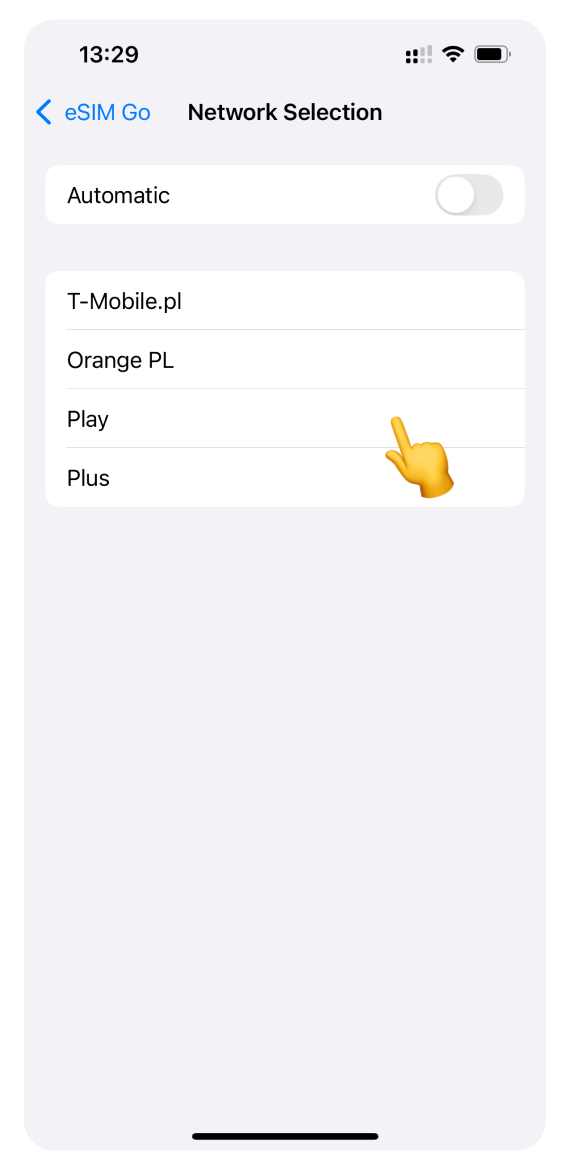
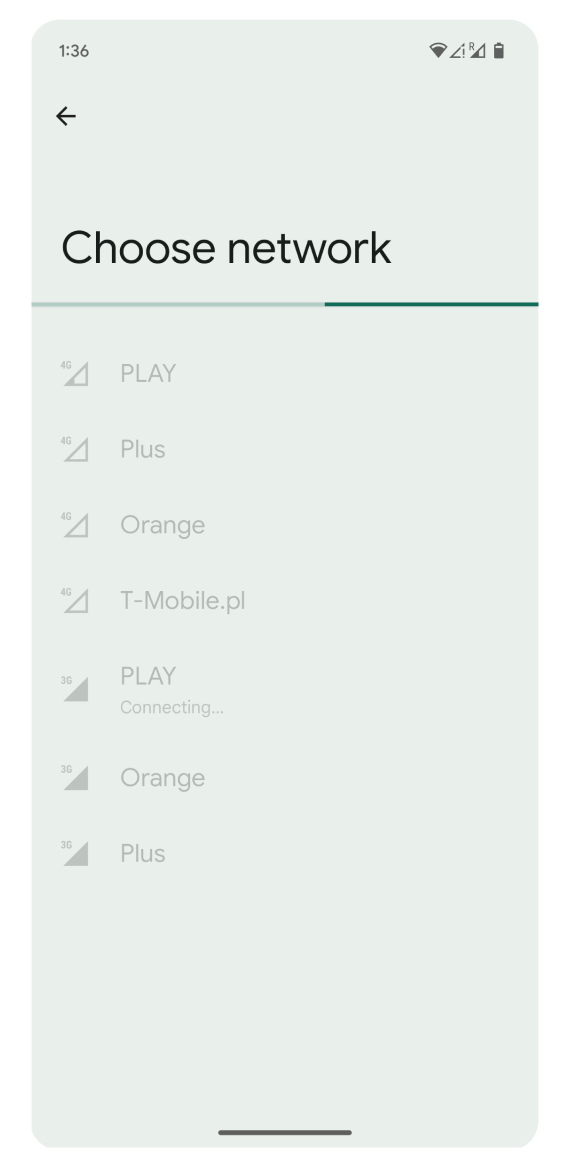
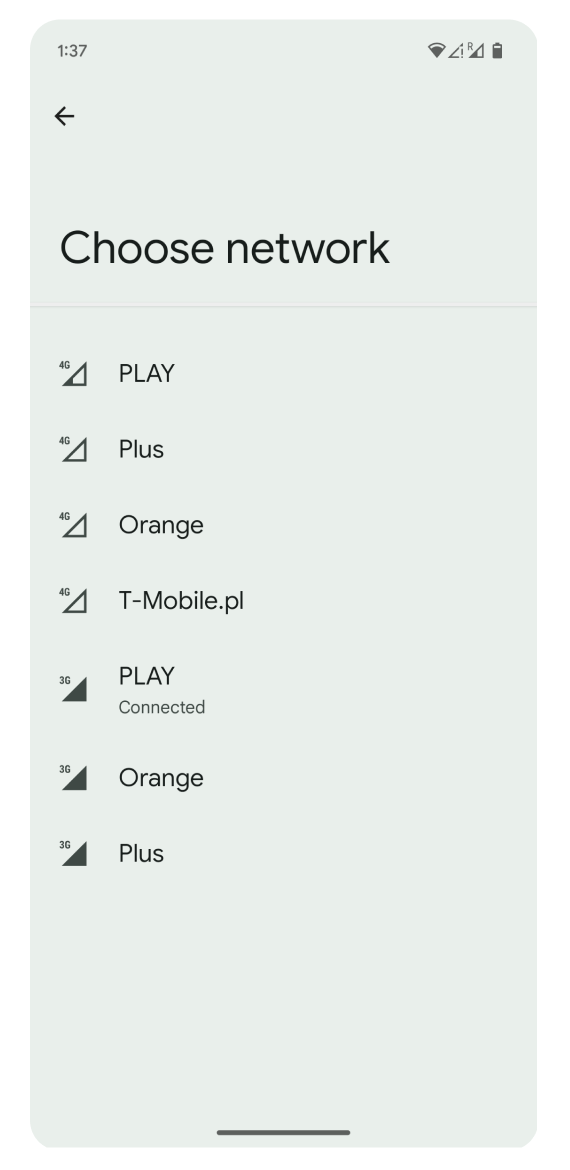
Wait for the list of available networks to appear. This can take several minutes.
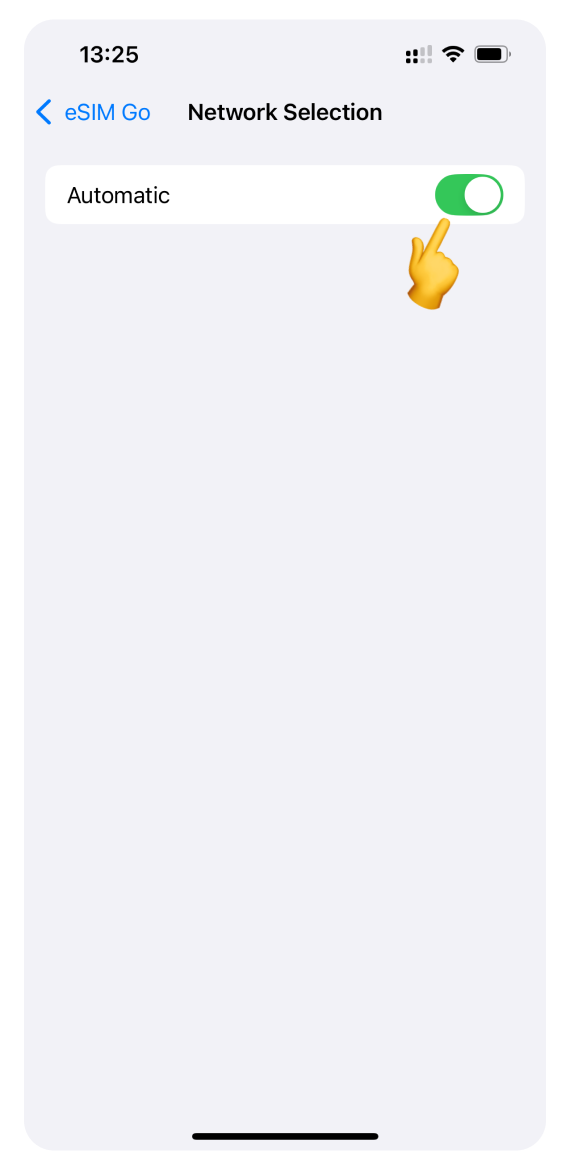
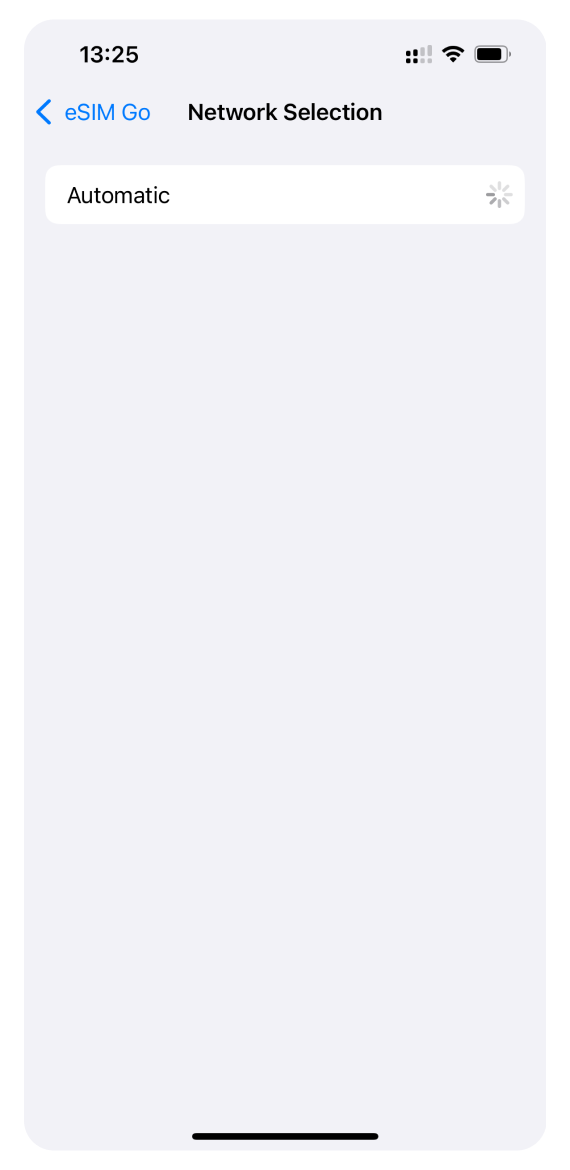
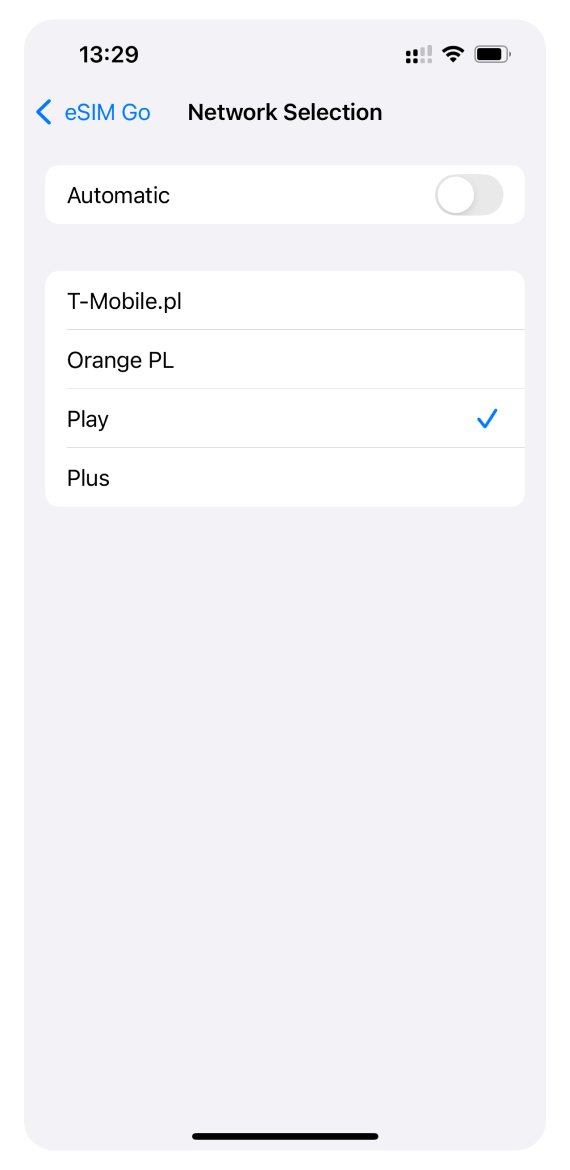
Select one of the supported networks from the list you can find in eSIM details on your WonderConnect account.
Go back to Settings and test your connection: try browsing the internet. If you can't connect, try a different network.
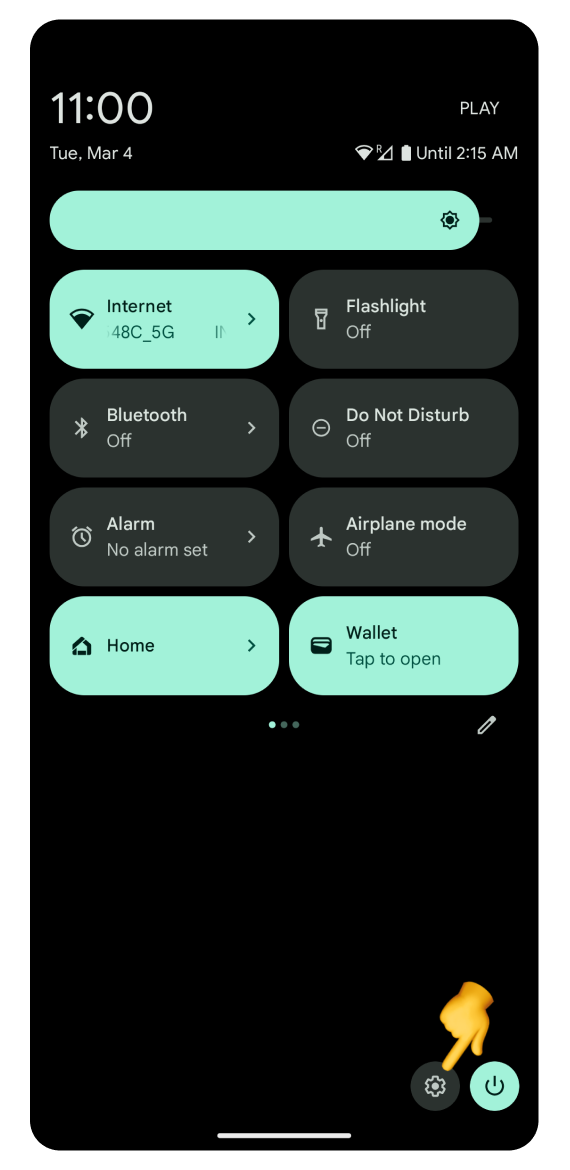
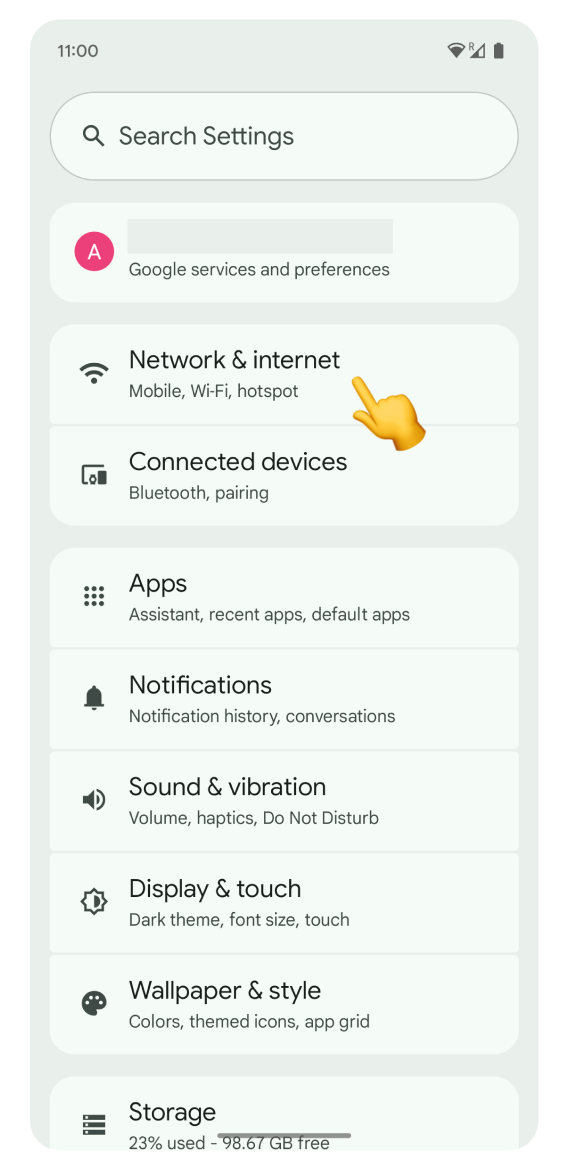
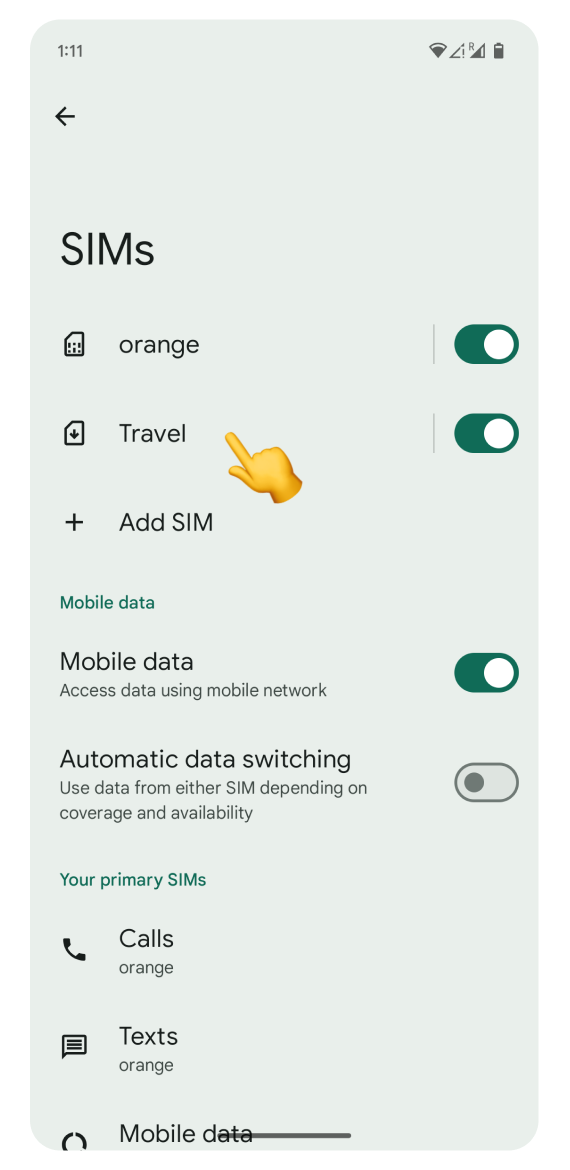
Open Settings and go to Network & Internet.
Tap SIMs.
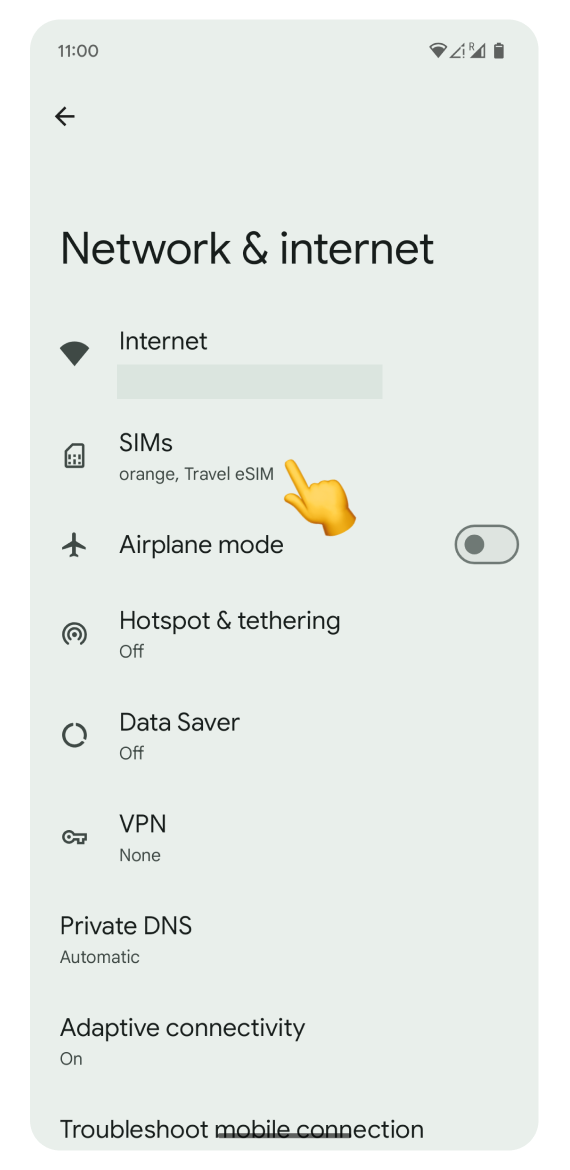
Tap your eSIM.
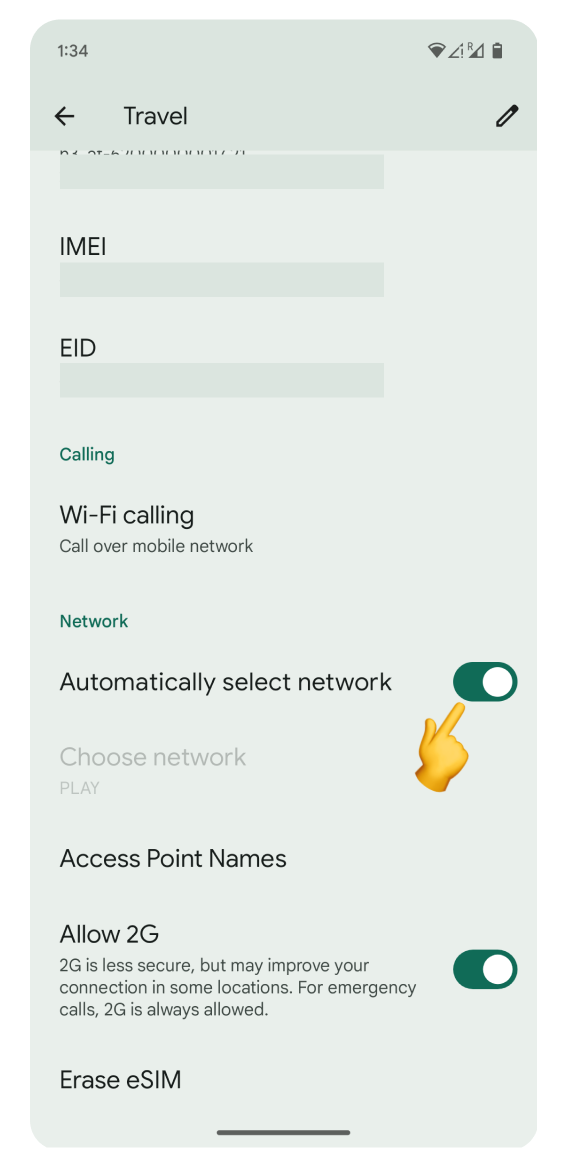
Scroll down and turn off Automatically select network.
Wait for the list of available networks to appear. This can take several minutes.
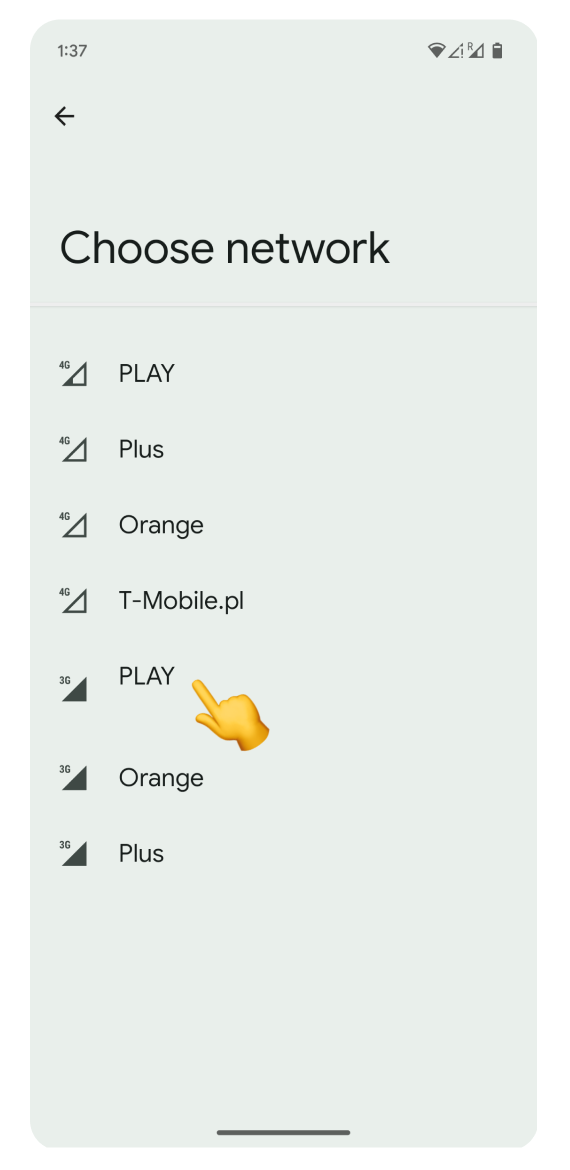
Select one of the supported networks from the list you can find in eSIM details on your WonderConnect account.
Test your connection: after selecting a network, try browsing the internet. If you still can't connect, try a different network.

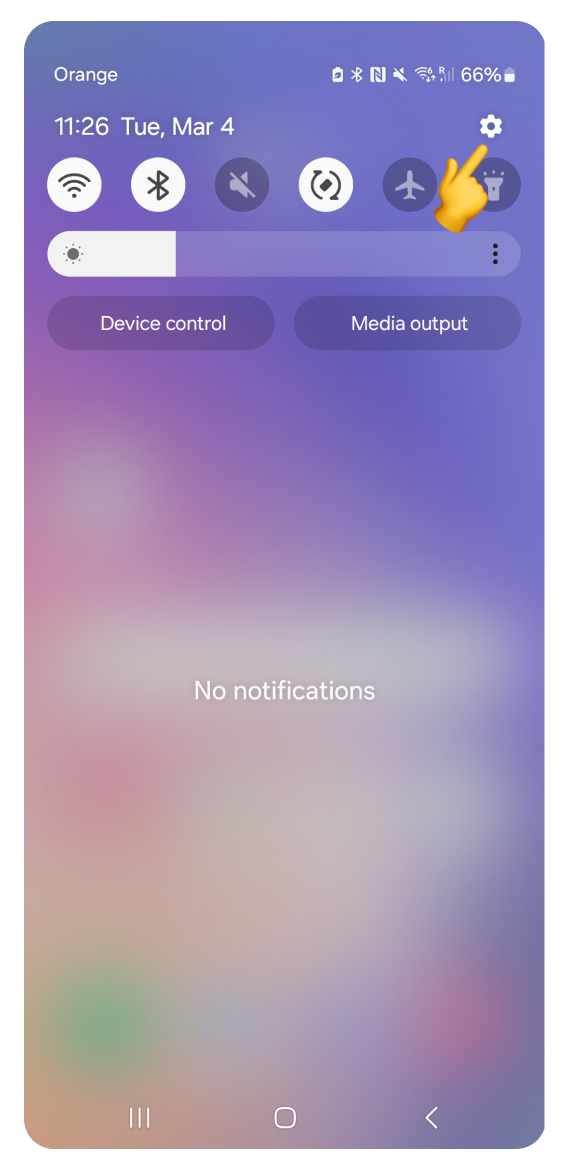
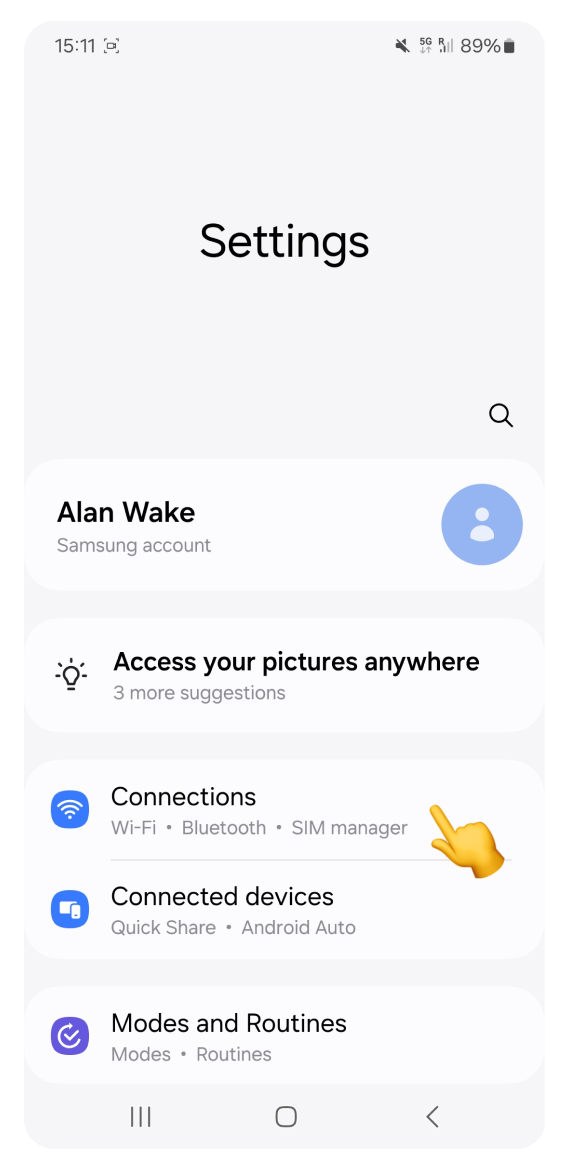
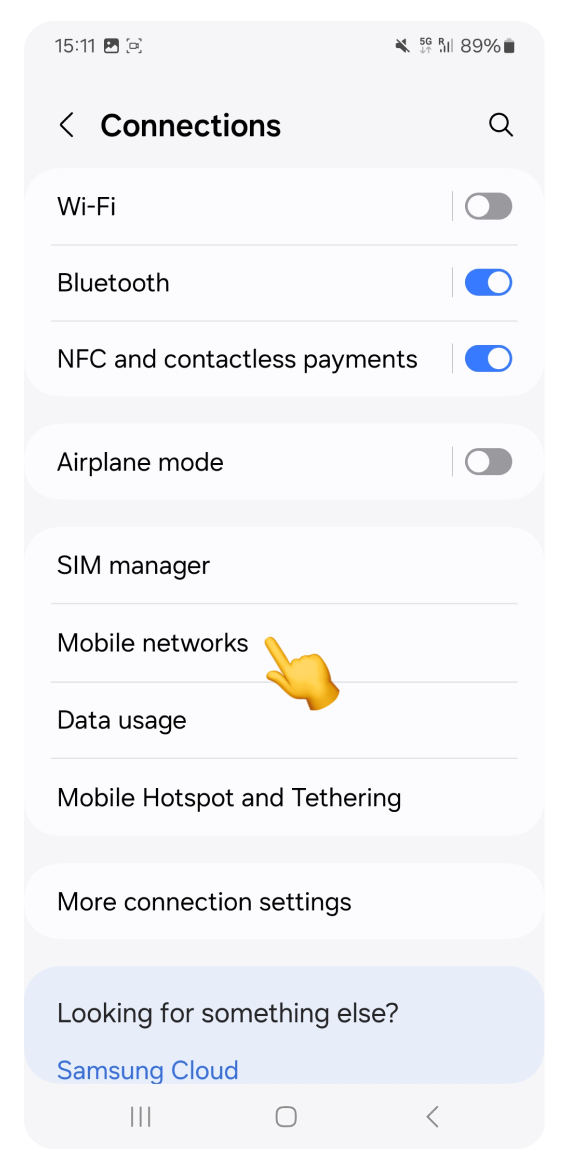
Open Settings and go to Connections.
Tap Mobile Networks.
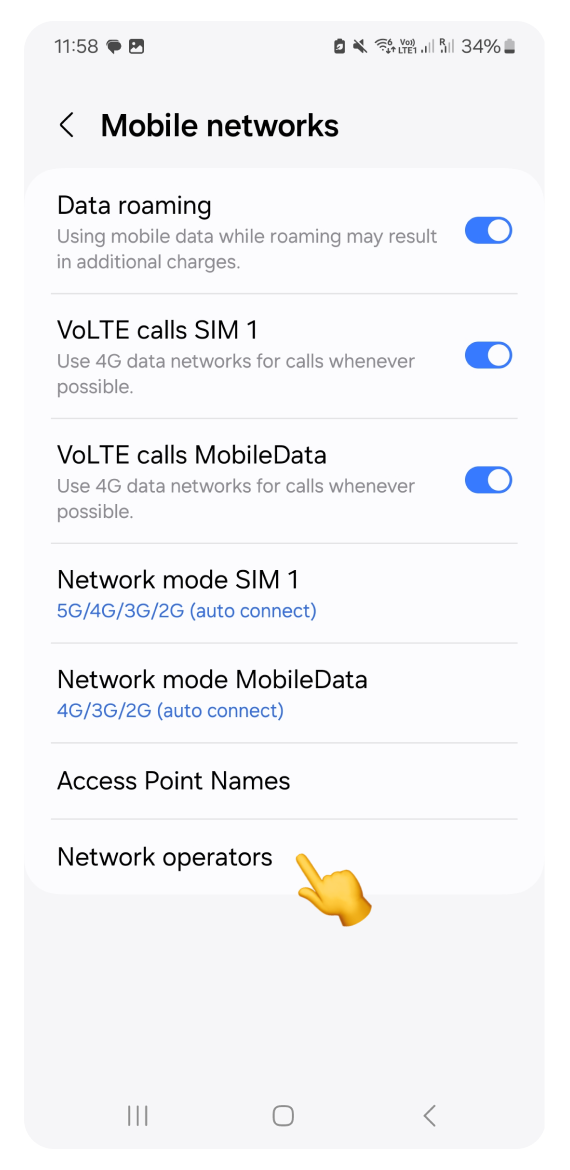
Go to Network Operators.
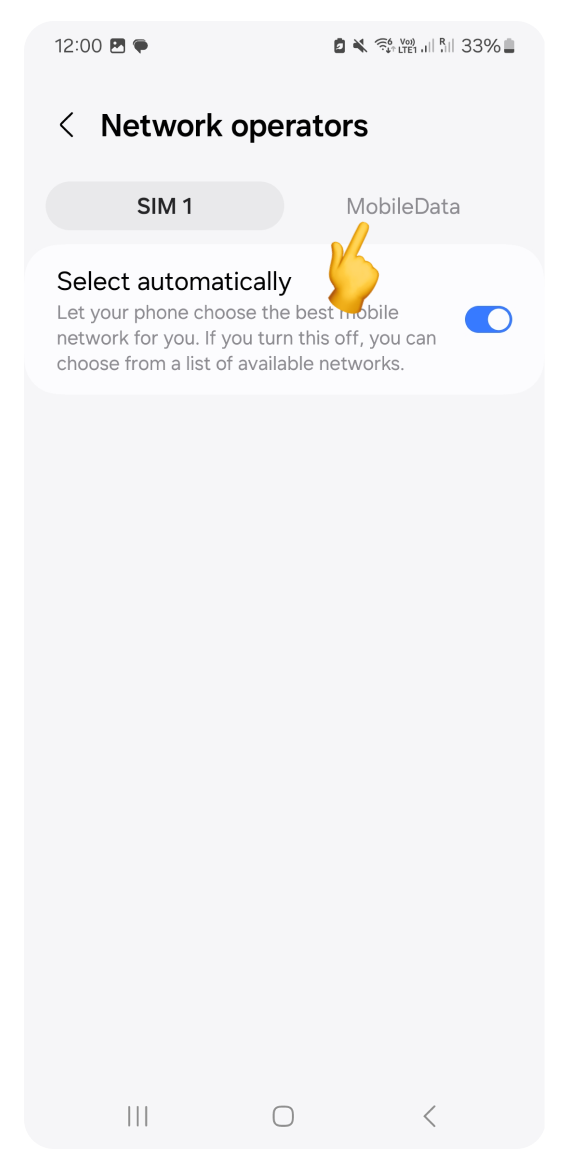
Switch to the eSIM tab.
Turn off Select automatically.
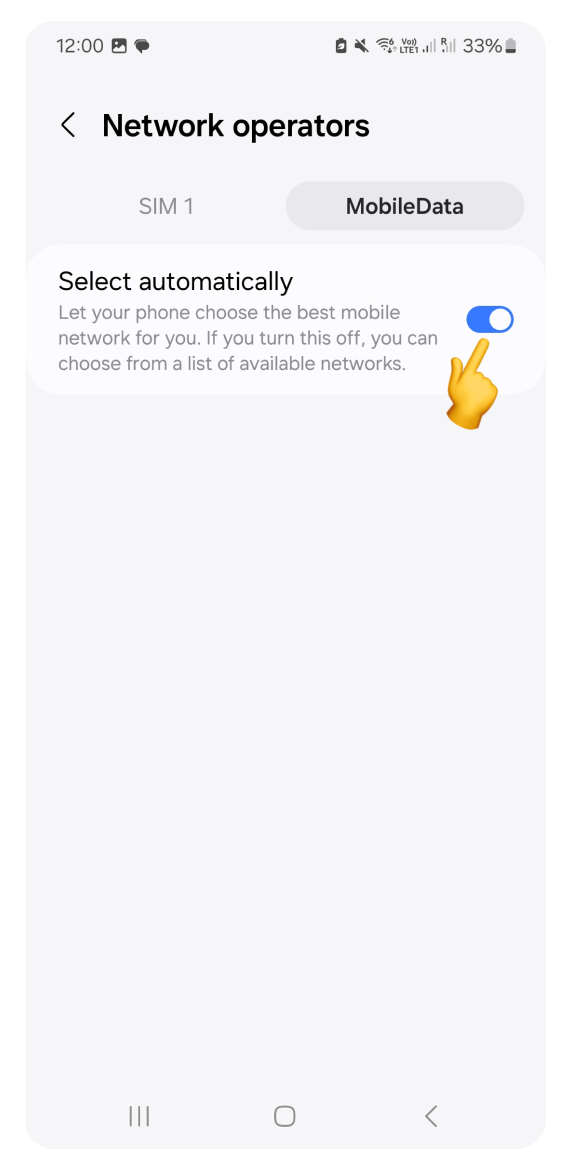
Wait for the list of available networks to appear. This can take several minutes.
Select one of the supported networks from the list you can find in eSIM details on your WonderConnect account.
Test your connection: after selecting a network, try browsing the internet. If you still can't connect, try a different network.
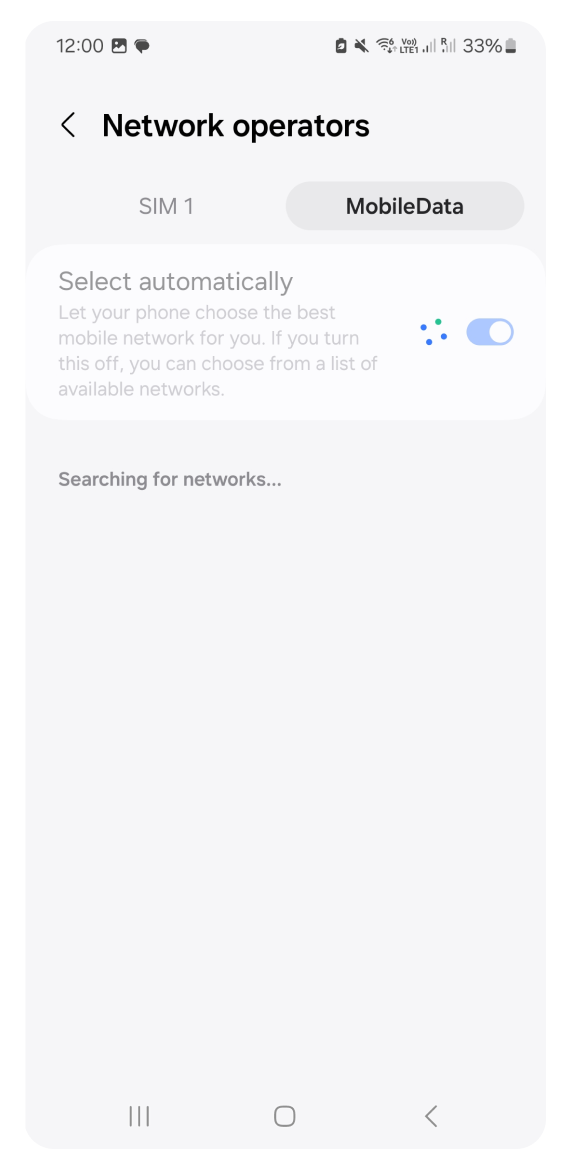
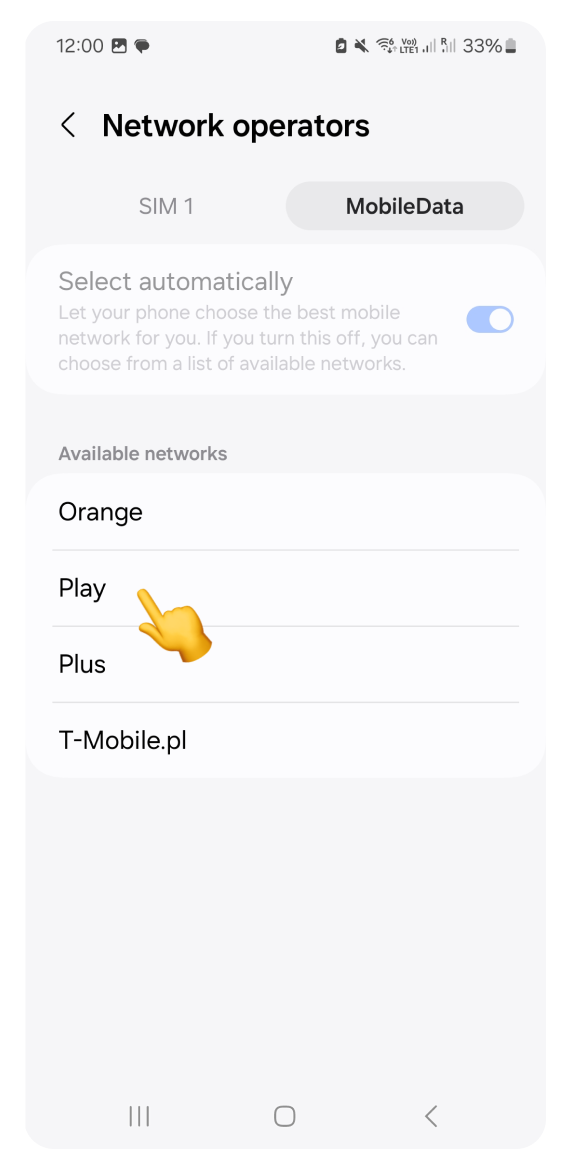
If your phone was set to Manual by default: If your eSIM had a specific network pre-selected and that network has a weak signal, switching to Automatic allows your phone to find a better supported network.
To reset the connection: If manual selection hasn't worked, toggling Automatic back ON can sometimes trigger a successful connection.
When using a regional eSIM: If you enabled manual selection for troubleshooting, remember to switch back to Automatic before you leave your current country. If you don't, your phone will try to connect to the previous country's carrier, and you will have to manually select a new network as soon as you cross the border.