
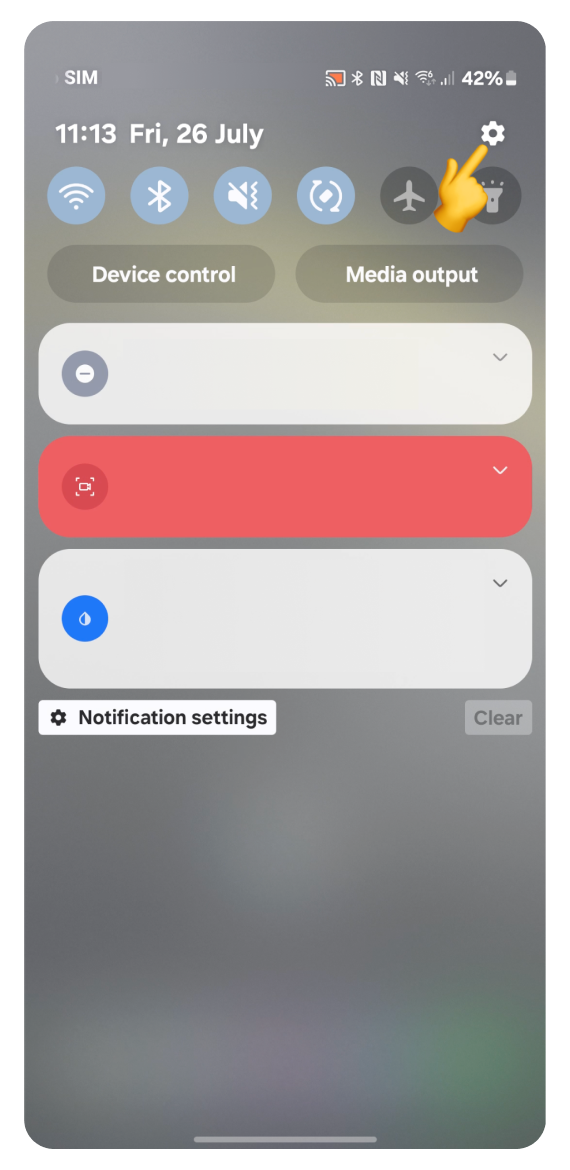
Open Settings:
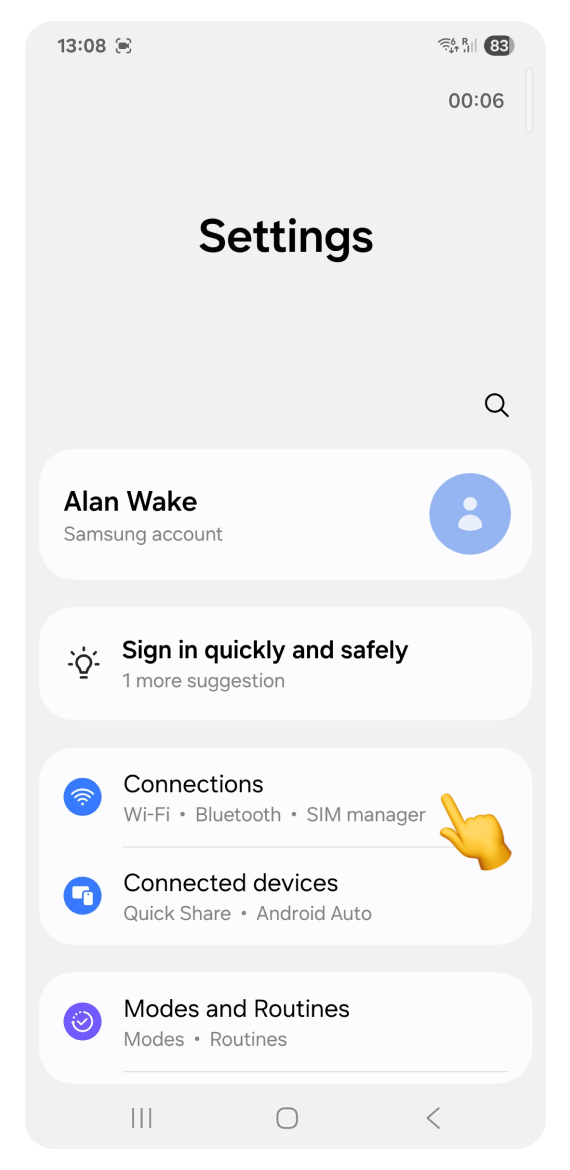
Go to Connections.
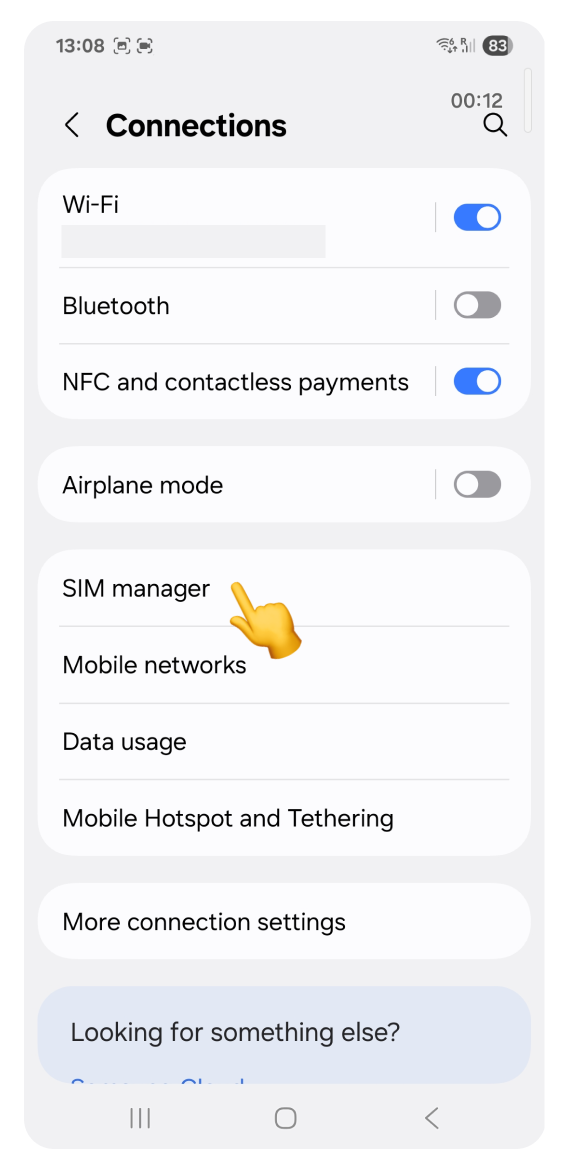
Tap SIM manager.
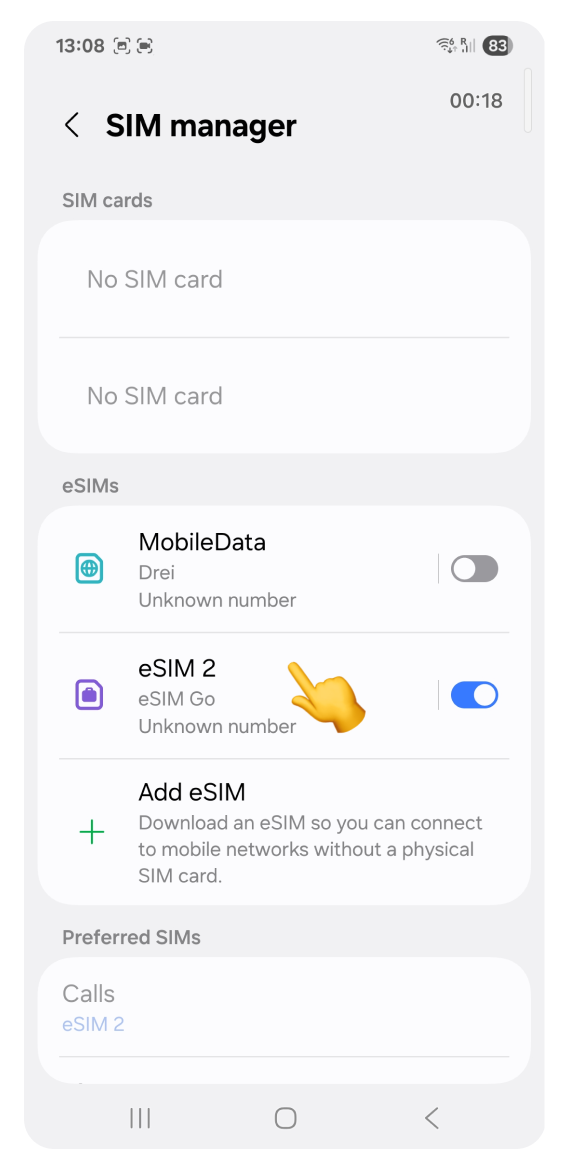
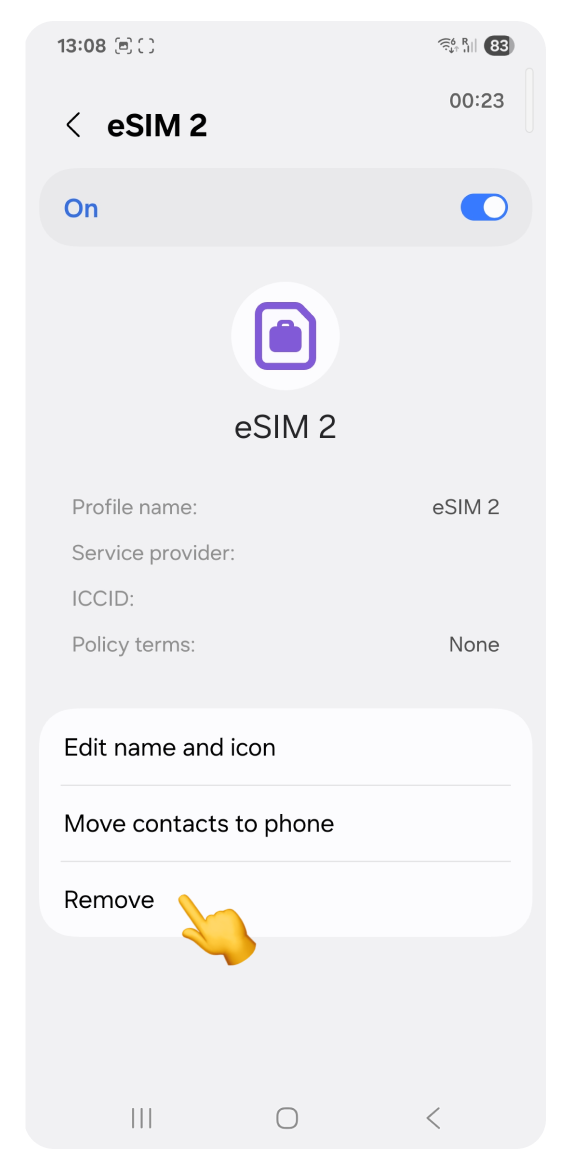
Tap the eSIM you want to delete
Tap Remove
Verify it’s you
Enter your PIN code to proceed with deleting the eSIM.
Samsung devices don’t allow screenshots of this screen. You’ll just see a simple view asking for your PIN. No extra options or settings.
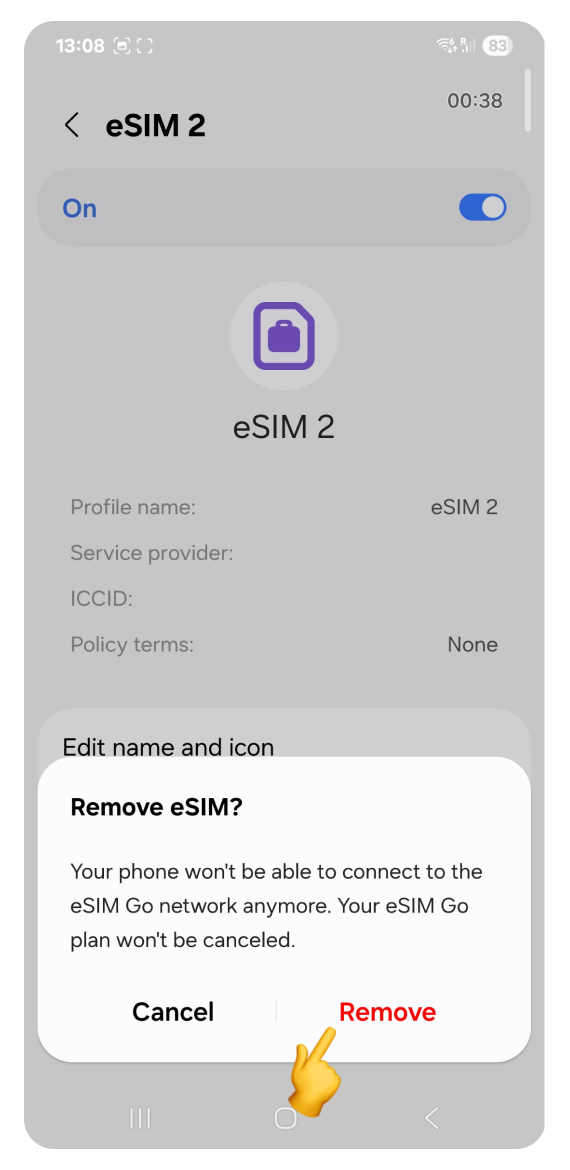
Confirm you want to remove eSIM
In the “Remove eSIM?” pop-up, tap Remove
All done! You may see a loading spinner for a few moments. Once deleted, you’ll be returned to the SIM manager screen in Settings. You can now close Settings and use your phone as usual.